
Characters stay the same from scene to scene
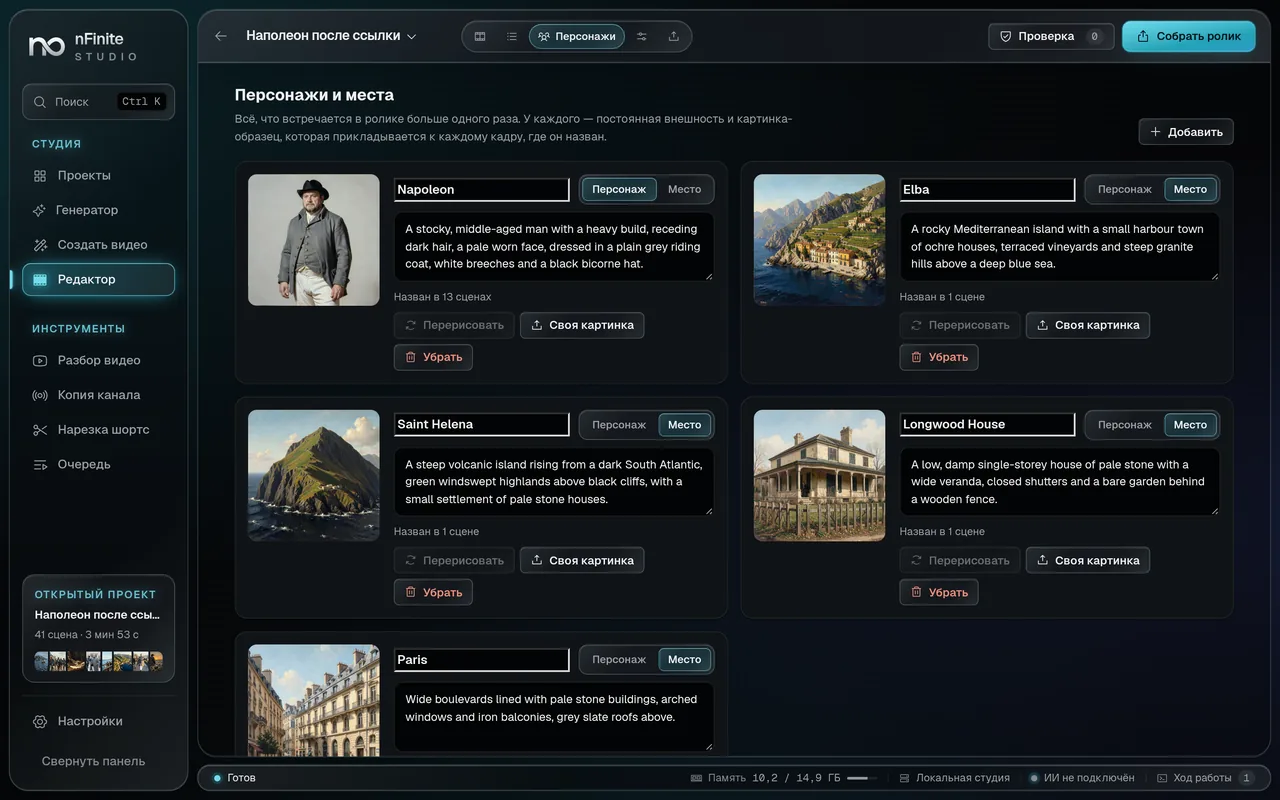
Before the frames, the studio draws a reference for every character and place and attaches it to the request. You can redraw a reference, replace it with your own picture or edit the description.
Desktop studio for Windows
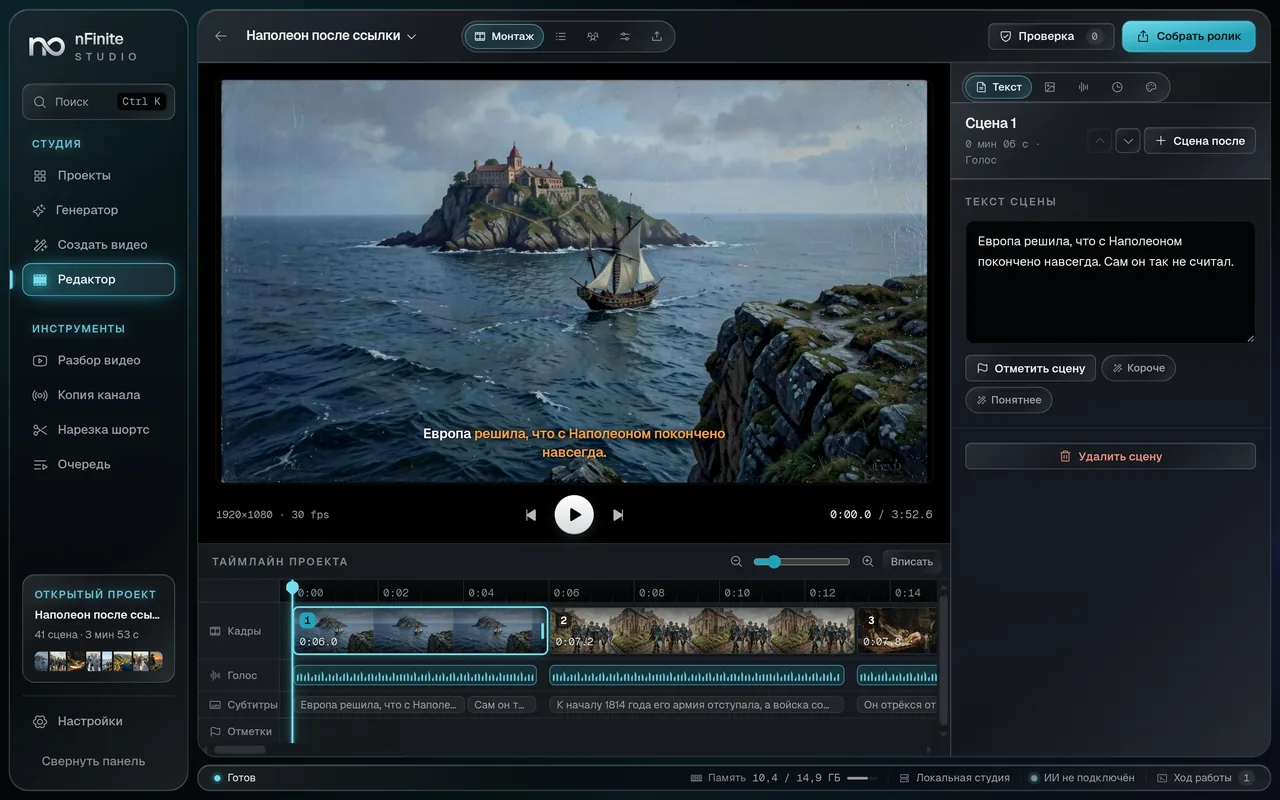
nFiniteStudio writes the script, draws frames in one style, records the voice and edits. You fix any scene and take the MP4. Projects stay on your computer.

A hand-drawn story · 2D
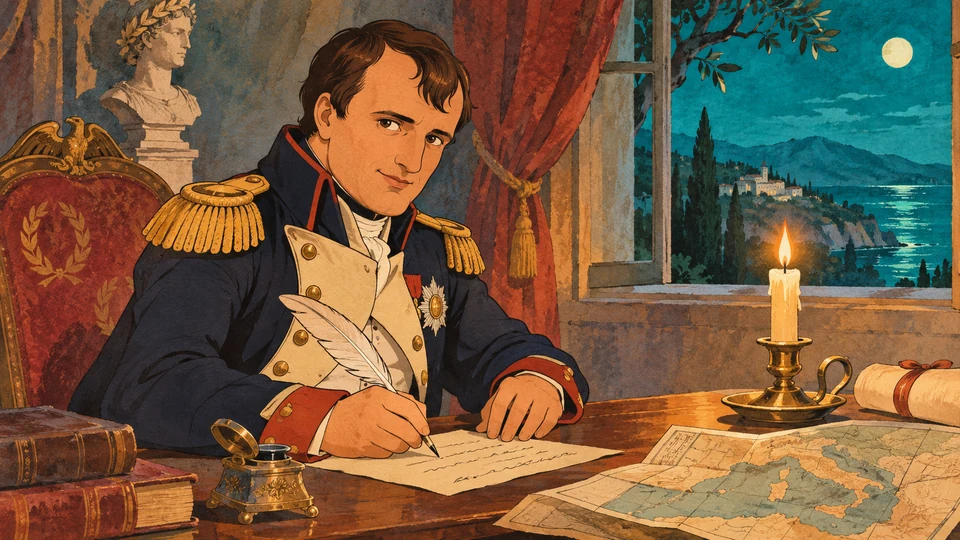
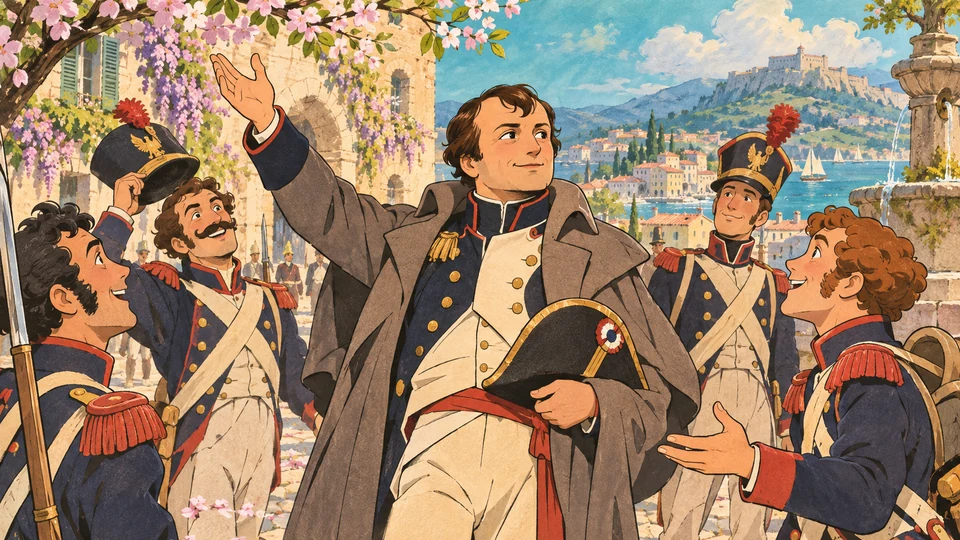
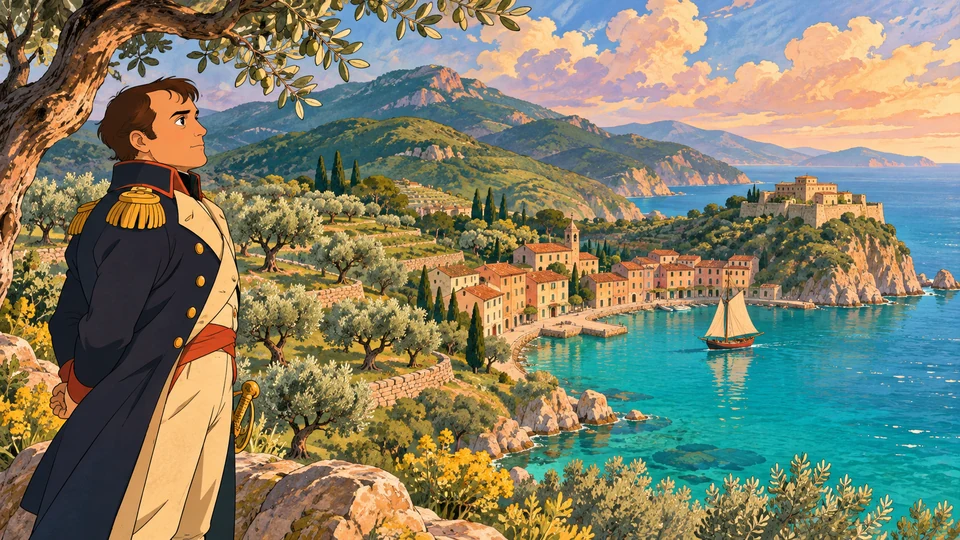

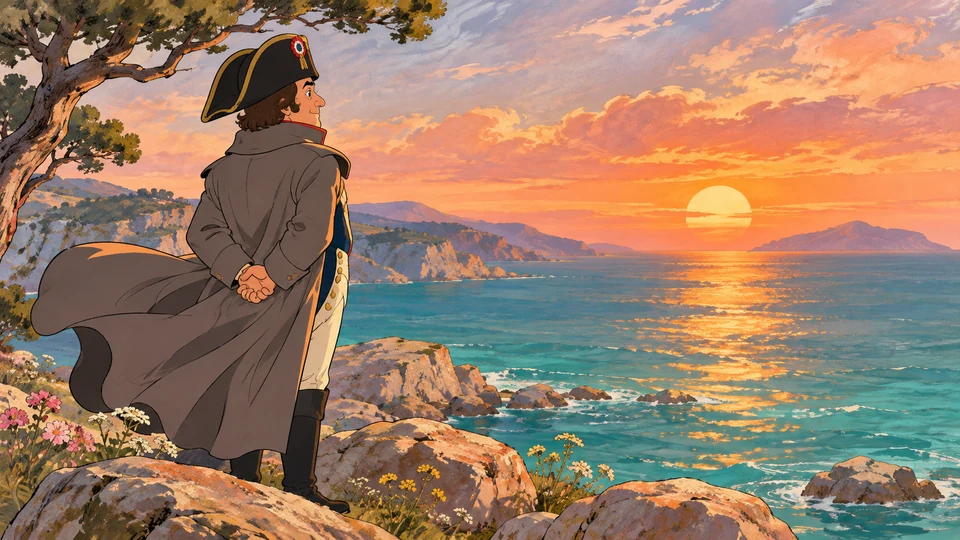
Six illustrations for “Napoleon after the exile”. An example of a single story told in a hand-drawn 2D style.
00:12Autopilot
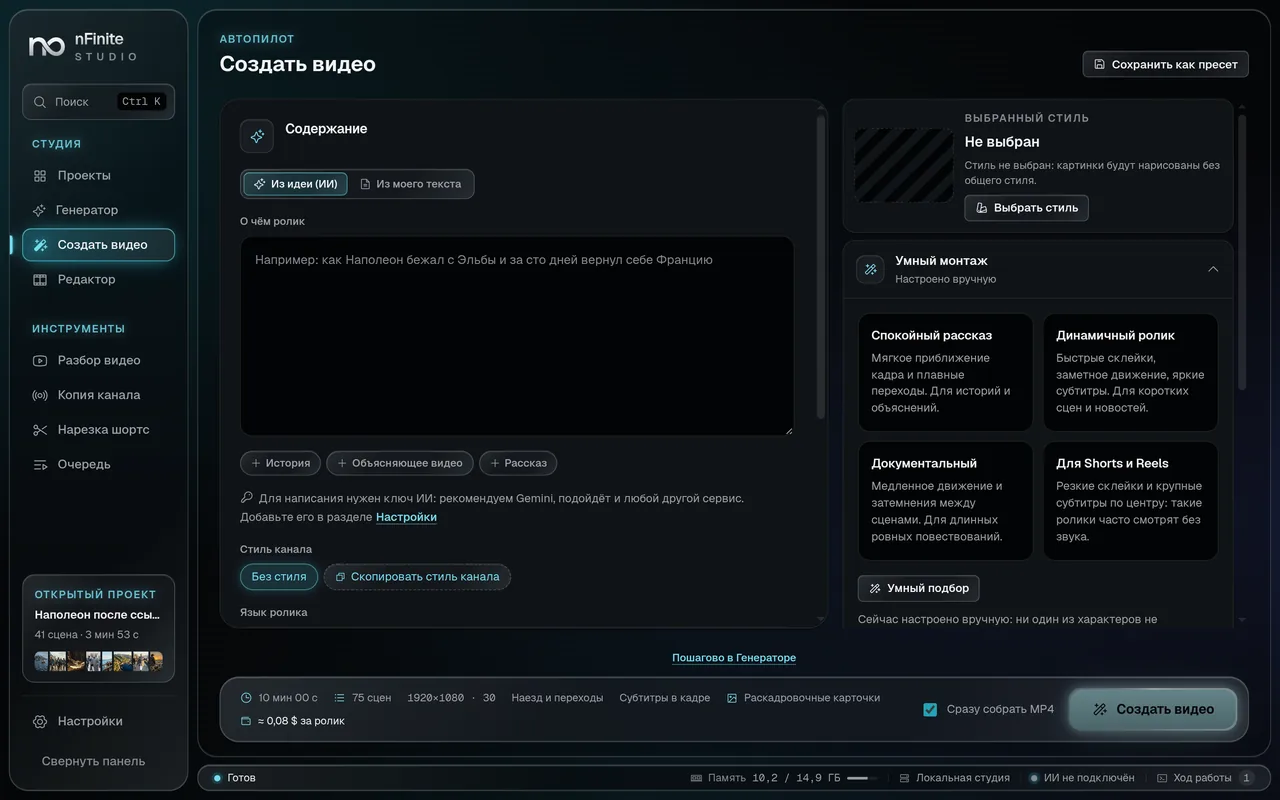
You set the topic and the style. Then you can leave and come back to a finished video.
00:48Features
Before the frames, the studio draws a reference for every character and place and attaches it to the request. You can redraw a reference, replace it with your own picture or edit the description.
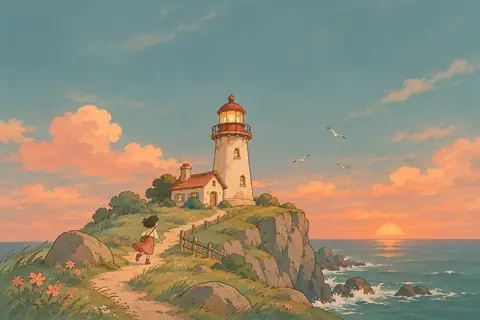
One style for the whole video: light, palette and technique match in every frame.
Every scene and every transition is rendered separately. Change a line in the middle and the studio rebuilds only that scene.
Measured on a 7.5-minute video, 90 scenes, an 8-core computer.
Before the run the studio shows an itemised estimate. A monthly cap stops generation, and everything finished is kept.
A sample for a 10-minute video at Gemini prices as of November 2026. Such a video usually costs 1 to 8 dollars, depending on the models.
The studio first shows a text edit: what was added and what was removed. It reaches the project after you press Accept, and you can undo it.
Europe thought Napoleon was finished.
Europe decided Napoleon was finished for good.
AcceptScenes, pictures, voice and the finished video live on your disk. Service keys are encrypted and never leave the computer.
You can start with a single Gemini key: it writes, draws and voices. The rest is added in settings.
01:36Tools
Helps you find a topic: a video plan, channel ideas, a strong opening. One click sends the plan to autopilot.
Paste a link or a transcript of someone else's video and see how it opens, how the pace changes and in what order the scenes go.
The studio studies how a channel presents its videos, and you use that as a base for your own scripts.
From a finished project the studio suggests 30, 45 or 58-second fragments and builds vertical clips with word-by-word caption highlight.
01:58Channel ideas
Stories, explainers, shorts and videos from your own photos. Choose a format and see how to put it together in the studio.

Example topic
How Napoleon returned from Elba
A video with chapters, a narrator and characters your viewers recognise in every scene.
Set a topic and an outline. The studio writes longer scripts chapter by chapter.
Choose a hand-drawn style and check character references before generating frames.
Edit individual lines, frames and pauses. The rest of your project stays in place.
02:10Pricing
No subscription. You buy the program once and pay AI services only for what you generate.
Limited-time offer
$150
Buy in TelegramOrdered through our manager @nFiniteManager
Generation is not included: AI services bill you directly at their own rates.
02:42FAQ
Message @nFiniteManager in Telegram. You can ask about the terms, pay and receive the build with an activation key there.
It depends on the service and the length. With Gemini a 10-minute video usually costs 1 to 8 dollars, and the studio shows an exact estimate before the run. Voice can be free with local Piper.
Yes. Your own text, the local voice and editing work without keys. You need a key when you want the studio to write the script and draw the frames.
Right now the studio runs on Windows x64. Other systems are not supported yet.
On two. If you change a computer, support resets the binding and you enter the key again.
For cloud generation, yes. Editing and the local voice work offline. The licence is checked at activation, and after that the program contacts the licence server from time to time.
MP4: 16:9 for YouTube and 9:16 for Shorts, TikTok and Reels. Captions can be burned into the frame and saved as a separate SRT file.